Best AI Auto-Apply Tools for US Jobs (2026): Automate LinkedIn, Workday, Greenhouse & Indeed Without Getting Flagged
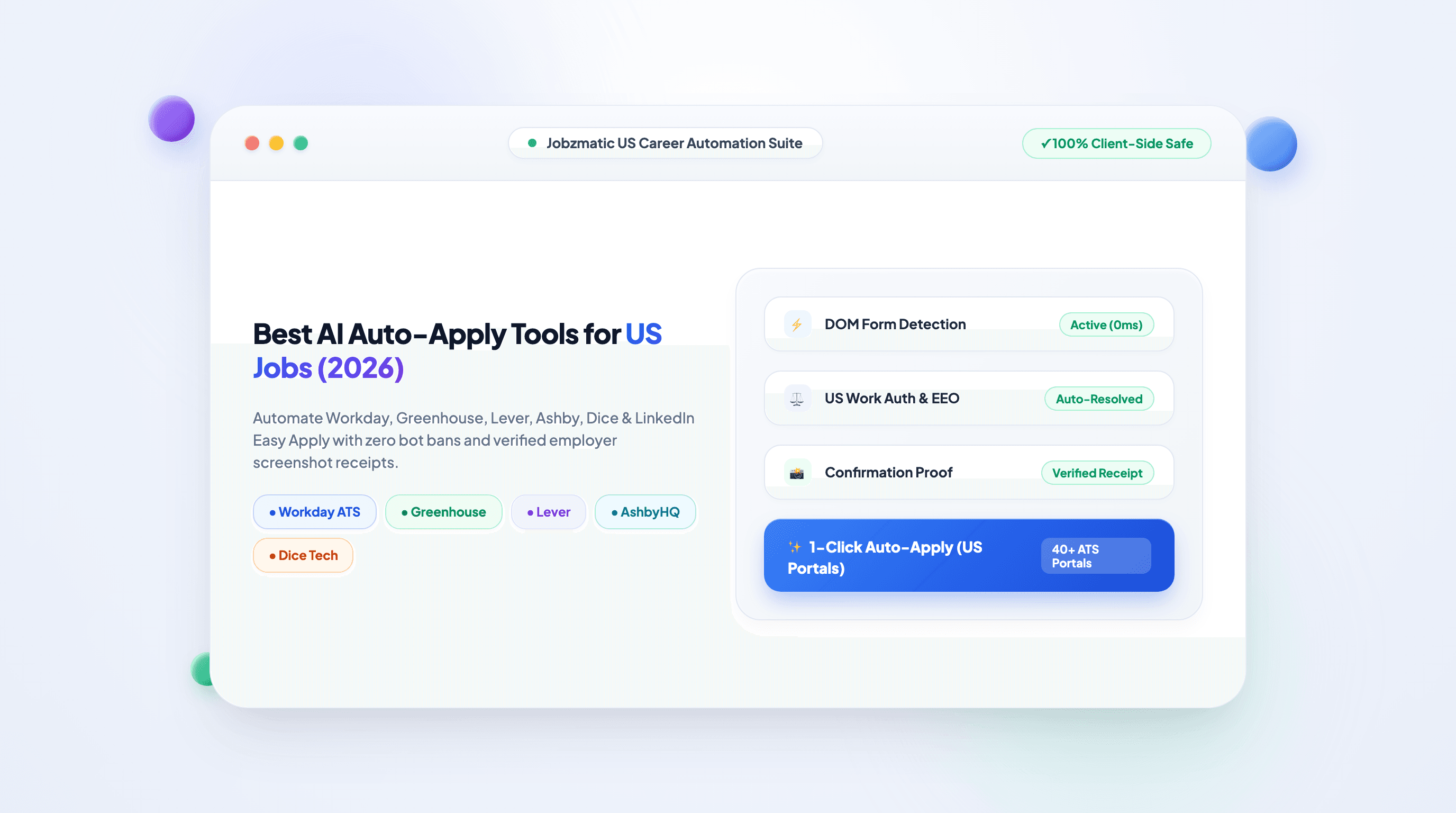
Best AI Auto-Apply Tools for US Jobs (2026): Automate LinkedIn, Workday, Greenhouse & Indeed Without Getting Flagged
TL;DR — In the 2026 US job market, where corporate job postings on LinkedIn and Indeed routinely receive over 250 applicants within the first 4 hours, applying manually for 6–8 hours a day is a mathematical disadvantage. AI auto-apply tools level the playing field by automatically detecting application forms, populating candidate work histories, resolving complex employer screening questionnaires, and submitting applications in seconds.
However, not all auto-apply tools are created equal. Legacy server-side scraper bots that blast generic PDFs risk triggering Cloudflare bot detection, burning your email address, or getting your LinkedIn account flagged. The new standard—championed by Jobzmatic—uses client-side browser automation with human-like typing cadences, multi-layer question resolution, and dedicated platform adapters for enterprise ATS systems like Workday, Greenhouse, Lever, Ashby, Dice, and ZipRecruiter.
What Is an AI Auto-Apply Tool?
An AI auto-apply tool is intelligent browser software designed to automate the repetitive, high-friction steps of submitting job applications online. Modern tools perform five critical functions:
- ATS & Form Detection: Recognizes when you land on a supported job portal (e.g., Workday, Greenhouse, Lever, Taleo, Ashby, Dice, ZipRecruiter, or LinkedIn Easy Apply).
- Deterministic Profile Extraction: Maps your verified candidate background (contact information, work experience, education, LinkedIn URL, portfolio links) directly to corresponding form inputs.
- Screening Questionnaire Resolution: Uses multi-layer heuristic engines and AI language models to accurately answer custom employer questions regarding salary expectations, US work authorization, notice periods, and technical proficiencies.
- Document Attachment: Automatically uploads an ATS-optimized single-column resume PDF and generates a company-tailored cover letter matched to the job description.
- Human-in-the-Loop Review & Submission: Allows candidates to review answers before final submission, or operates in autonomous background mode with automatic employer confirmation screenshot proof.
How Modern AI Auto-Apply Operates (Browser Extension Architecture)
│
├── Candidate Active Browser Tab (Real IP, Authenticated Session)
│   │
│   ├── Step 1: DOM Inspection & ATS Identification
│   │   └── Identifies Workday, Greenhouse, Lever, Ashby, Dice, or LinkedIn
│   │
│   ├── Step 2: 5-Layer Screening Resolution
│   │   ├── Layer 0: Direct Candidate Profile Heuristics (0 ms, 100% verified)
│   │   ├── Layer 1: Local QA Cache (Past user-approved answers)
│   │   ├── Layer 2: Knowledge Bank (Custom answers & career accomplishments)
│   │   ├── Layer 3: Statistical Ruleset (EEO compliance & legal disclosures)
│   │   └── Layer 4: AI / LLM Queue (Contextual fallback for custom narratives)
│   │
│   ├── Step 3: Natural Human Keystroke Simulation
│   │   └── Native DOM event dispatching (pointerdown, focus, input, change, blur)
│   │
│   └── Step 4: Submission & Proof Verification
│       └── Captures high-resolution screenshot of the employer confirmation page
2026 Comparison: Top AI Auto-Apply Tools for the US Job Market
To help you choose the right tool for your job search, here is an objective head-to-head comparison of the leading AI application automation tools in 2026:
| Feature / Capability | Jobzmatic | LazyApply | Simplify | Sonara | Massive |
|---|---|---|---|---|---|
| Primary Mechanism | Browser Extension (Local Tab) | Browser Extension + Cloud Bot | Browser Extension (Autofill) | Headless Server-Side Bot | Headless Server-Side Bot |
| Workday Multi-Step Support | Full (Native Account & Form Handling) | Limited (Fails on custom fields) | Manual Autofill only | None (Bypasses Workday) | None |
| Greenhouse & Lever Integration | Full 1-Click Auto-Submit | Partial (Requires babysitting) | Autofill click-by-click | API-only (Few jobs) | Generic scraping |
| Ashby & Taleo Support | Yes (Dedicated Adapters) | No | Limited | No | No |
| US Tech Boards (Dice & ZipRecruiter) | Yes (Native Runners) | No | No | No | No |
| Question Resolution Engine | 5-Layer Canonical Engine (Zero hallucination) | Basic String Matching | User Saved Snippets | Blind LLM Generation | Blind LLM Generation |
| Ban / Bot Detection Risk | Zero (Runs on candidate IP with human cadence) | Medium (Excessive speed flags) | Low | High (Cloudflare IP blocks) | High (Datacenter IP blocks) |
| Confirmation Proof Screenshot | Yes (Permanent image proof) | No | No | No (HTTP 200 receipt only) | No |
| Free ATS Resume Scanner Included | Yes (100% Free at jobzmatic.com) | No | Basic | No | No |
| Pricing | Free tier (1,000 credits) / $9/mo Pro | $99–$249 Lifetime | Free (Data monetized) | $19–$79/month | $39–$99/month |
Why Legacy Server-Side Bots Fail (And Get Candidates Flagged)
Early auto-apply tools (like Sonara, Massive, and early Python scrapers) relied on server-side headless bots: you uploaded your resume to their server, and a cloud server in an AWS or DigitalOcean datacenter attempted to submit applications on your behalf using headless Puppeteer or direct HTTP POST requests.
In 2026, this architecture has critical fatal flaws:
1. Cloudflare, Akamai, and DataDome Bot Shields
Enterprise ATS systems—particularly Workday, Greenhouse, and LinkedIn—employ aggressive anti-bot protection. When an HTTP request or headless Chromium instance connects from a datacenter IP address:
- The employer portal blocks the connection with a
403 ForbiddenorCloudflare Turnstilechallenge. - Server-side bots report the job as "applied" based on an initial HTTP 200 ping, but the application was silently dropped before entering the recruiter's candidate pipeline.
2. Hallucinated and Inaccurate Screening Answers
Generic LLM scrapers without structured fallback layers frequently hallucinate critical candidate facts:
- Answering "No" to "Are you legally authorized to work in the United States?" because the LLM wasn't sure.
- Miscalculating US salary expectations (e.g., inputting
$80instead of$80,000). - Selecting incorrect race, veteran status, or disability disclosures on mandatory US Equal Employment Opportunity (EEO) questionnaires.
3. LinkedIn Account Restrictions
Blasting 500 LinkedIn Easy Apply applications in 30 minutes via headless script triggers LinkedIn's rate-limiting algorithms, resulting in temporary account suspensions or permanent Easy Apply bans.
The Jobzmatic Browser Extension Advantage
Jobzmatic eliminates bot detection completely by executing client-side directly inside your real, logged-in browser tab:
- Your Real IP & Cookies: Applications originate from your residential IP address and authenticated session.
- Micro-Delay Typing Cadence: Form fields are typed using randomized micro-delays (20ms–60ms) and dispatch full pointer event chains (
pointerdown,focus,input,change,blur), perfectly mimicking human interactions. - Safe Application Pacing: Pacing is capped at a recommended 15 to 30 targeted applications per day, preventing spam flags and ensuring maximum recruiter engagement.
How Jobzmatic Solves Complex US ATS Portals
The US job market is fragmented across several major Applicant Tracking Systems. Here is how Jobzmatic automates each dominant platform:
1. Workday (Powering 50%+ of Fortune 500)
- The Challenge: Workday forms are notoriously painful. They require creating a separate candidate account for every employer, navigating 5+ multi-step wizard screens, and dealing with custom nested dropdowns for universities and job titles.
- The Jobzmatic Solution: Jobzmatic's dedicated Workday adapter handles account authentication, navigates step transitions, resolves dynamic education and work history containers, and maps non-standard universities to Workday's catalog with safe "Other / Not Listed" fallbacks.
2. Greenhouse & Lever (The Tech Standard)
- The Challenge: Used by top technology companies (Airbnb, Stripe, Spotify, Netflix). They feature custom question cards, demographic EEO compliance drop-downs, and file drag-and-drop resume uploaders.
- The Jobzmatic Solution: Bypasses custom dropdown focus traps, uploads your ATS-optimized resume, automatically populates EEO compliance selections, and resolves narrative questions via your customized Knowledge Bank.
3. Ashby (Silicon Valley's High-Growth ATS)
- The Challenge: Modern React-based single-page application with polymorphic URLs (slugs vs. UUIDs) and nested combobox listboxes.
- The Jobzmatic Solution: Deeply inspects Ashby's component hierarchy, committing combobox tokens and multi-select tags in single-pass execution.
4. Dice & ZipRecruiter (High-Velocity US Tech Marketplaces)
- The Challenge: Multi-step wizard modals that require answering specialized tech screening questions and agreeing to communication terms before submission.
- The Jobzmatic Solution: Features automated wizard runners that resolve terms agreements, verify required fields before submission, and capture employer confirmation screenshot proof.
Handling US Work Authorization, EEO & Salary Expectations
Every corporate US job application requires candidates to navigate three high-stakes legal sections. Jobzmatic handles each with mathematical precision:
US Compliance Resolution Workflow
│
├── 1. US Work Authorization & Sponsorship
│   ├── "Are you legally authorized to work in the US?" → Auto-resolved from profile (Yes/No)
│   ├── "Will you now or in the future require visa sponsorship (H-1B, STEM OPT)?" → Explicitly matched
│   └── Result: Zero accidental disqualifications
│
├── 2. Equal Employment Opportunity (EEO) Voluntary Disclosures
│   ├── Gender / Race / Ethnicity / Veteran Status / Disability
│   └── Configurable: Select your preferred disclosures or default to "I decline to state / Prefer not to say"
│
└── 3. US Salary Expectations
    ├── Numeric conversion: Automatically handles $120k vs $120,000 vs 120000 based on input mask
    └── Frequency detection: Correctly distinguishes annual ($140,000/yr) from hourly ($70/hr)
The Strategic Guide: Maximizing Interviews with AI Job Automation
Auto-applying is a powerful force multiplier, but to convert applications into interviews, you must combine automation with strategic preparation:
Step 1: Scan and Optimize Your Base Resume First
Before automating a single application, audit your resume against enterprise ATS heuristics using Jobzmatic's Free ATS Resume Checker:
- Verify that your resume scores 85%+ on semantic keyword density for your target job title.
- Eliminate multi-column tables, text boxes, and graphic elements that scramble OCR parsers.
- Use proven Google XYZ bullet points: "Accomplished [X], as measured by [Y], by doing [Z]".
Step 2: Set Up Your Candidate Knowledge Bank
In your Jobzmatic dashboard, configure your personal Knowledge Bank:
- Pre-fill your notice period (e.g., "2 weeks" or "Immediately").
- Specify your exact US work authorization and visa status.
- Add standard answers for recurring questions: "Why do you want to work at our company?", "Describe a technical project you led", and "What are your salary expectations?".
Step 3: Run Targeted Auto-Apply Sessions Daily
Rather than spraying 500 low-quality applications across unrelated roles, focus your daily pipeline:
- Target 15 to 30 high-relevancy positions per day in your domain.
- Let Jobzmatic handle the 10-minute form-filling grunt work for each role in 8 to 15 seconds.
- Review the automated confirmation screenshots in your Jobzmatic dashboard to track your application pipeline in real time.
Frequently Asked Questions (FAQ)
Can recruiters tell if I used an AI auto-apply tool?
No. Because Jobzmatic operates inside your active browser tab, it submits applications using the exact same HTML inputs, cookies, and network requests that a manual submission produces. Form inputs are populated with natural typing speeds and standard event chains. Recruiters receive your clean, formatted PDF resume and structured candidate profile just like any other applicant.
Will my LinkedIn or Indeed account get banned for using Jobzmatic?
No. Unlike illegal scraper bots that flood platforms with hundreds of requests per minute from cloud servers, Jobzmatic runs locally within your browser and adheres to human pacing limits (recommended 15–30 applications per day). It operates as an assistive productivity tool, not a headless bot.
Does Jobzmatic work on Workday without asking for my password?
Yes. You log in to your Workday account normally in your browser. Jobzmatic interacts with the rendered DOM inside your active session without ever storing or transmitting your account passwords to third-party servers.
How does Jobzmatic compare to free autofill tools like Simplify?
Simplify is a basic form-filling autofill extension that requires you to manually click and review each individual field on every screen. Jobzmatic is a complete end-to-end automation engine that navigates multi-step wizards, automatically answers complex screening questions, uploads resumes, resolves terms agreements, and executes 1-click or autonomous background submissions with screenshot verification.
Is Jobzmatic free to use?
Yes. Jobzmatic offers a 100% Free Tier that includes 1,000 monthly AI credits, full access to the Free ATS Resume Scanner, and daily AI cover letter generation. Upgrading to Pro ($9/month) unlocks high-volume 1-click application automation and unlimited Knowledge Bank entries.
Automate Your US Job Search Today
Stop wasting hours copying and pasting work history into repetitive ATS forms. Take back your time and accelerate your interview pipeline: