LinkedIn Profile Optimization: The 12-Point Checklist Recruiters Actually Use (2026)
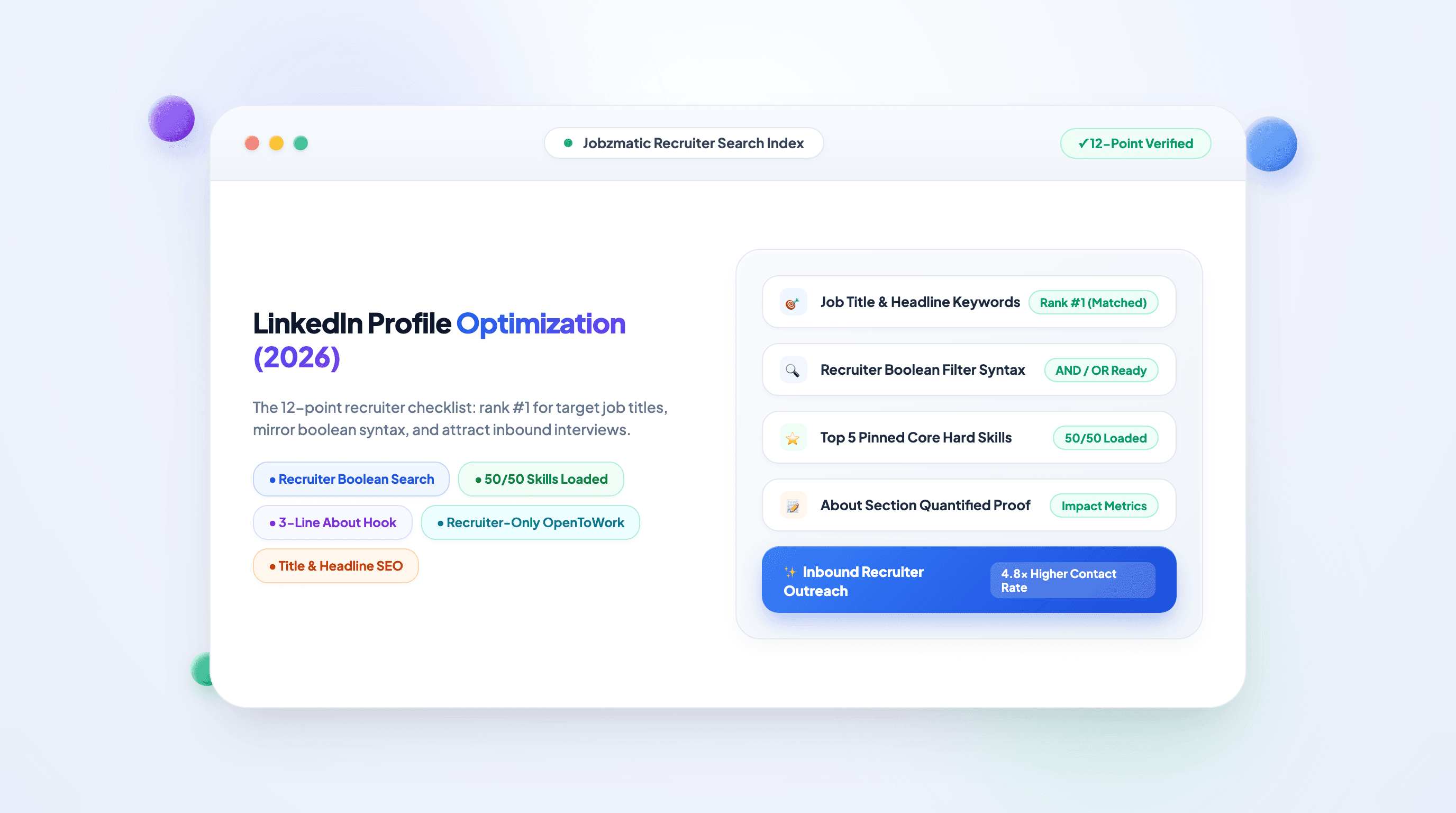
LinkedIn Profile Optimization: The 12-Point Checklist Recruiters Actually Use (2026)
TL;DR — LinkedIn Recruiter is a search engine: recruiters run Boolean queries against your headline, titles, skills, and location. Profile optimization is therefore keyword engineering, not vanity design. The 12-point checklist below covers the fields that actually rank (headline, experience titles, skills, About), the settings that make you findable ("Open to Work" done right), and the consistency rules between your LinkedIn and your resume that background-checkers and ATS rankers both care about.
How Recruiters Actually Find You on LinkedIn
Before the checklist, understand the machine. A recruiter's search looks like this:
Boolean query a real recruiter runs:
("product manager" OR "senior product manager")
AND ("B2B" OR "SaaS")
AND ("SQL" OR "analytics")
AND ("Toronto" OR "remote")
LinkedIn returns ranked results based on field matches (title, headline, skills, experience text), recency of activity, and profile completeness. Two consequences:
- Your headline and job titles carry the most ranking weight. "Chief Storyteller & Growth Ninja" matches zero recruiter searches; "Product Marketing Manager | B2B SaaS" matches thousands.
- Skills are a search index, not a list. You get 50 skills; the top 5 pinned ones surface in search previews and skill-filter matching.
Your optimization job is to place the exact phrases of your target roles into exactly those fields.
The 12-Point LinkedIn Optimization Checklist
☐ 1. Headline: keywords over poetry (highest ranking weight)
You get 220 characters. Formula: [Target Job Title] | [Top 2 specializations] | [Proof or tooling].
- ❌ "Making dreams happen at Acme 🚀"
- ✅ "Senior Data Analyst | SQL, Python, Tableau | Ex-Retail Analytics | Open to Fintech" Your target title matters more than your real one if they differ — recruiters search for role families, and the headline is fully indexed.
☐ 2. Photo & banner: trust signals, not decoration
A clear, well-lit face fills 60% of the frame for the photo. The banner is free real estate for your positioning: your title, value proposition, or a product you built. Profiles with photos receive dramatically more views; no photo reads as an abandoned account.
☐ 3. About section: your pitch, keyword-loaded, first 3 lines visible
Write 4–6 short paragraphs; only the first ~3 lines show before "see more". Structure: hook (who you are + biggest proof number) → specializations (the keywords recruiters search) → selected wins (2–3 bullets with metrics) → direction (what you want next). This is where your resume summary formula expands to 150 words.
☐ 4. Experience titles: mirror your real title's search family
If your actual title is unusual ("Growth Wizard II"), use LinkedIn's format Real Title (Plain-Title Equivalent) — e.g., "Growth Wizard II (Senior Growth Marketing Manager)". LinkedIn keeps you honest while recruiters can find you. Each experience entry should open with a 1–2 line scope summary, then 3–5 metric bullets — mirror (not copy-paste) the strongest bullets from your resume.
☐ 5. Skills: load all 50, pin the top 5 strategically
Endorsements matter less than coverage: every skill that appears in your target job postings belongs in your list. Pin the 5 that match your next role, not your last one. LinkedIn matches recruiter skill filters against this list — it's a database field, not a bragging wall.
☐ 6. Custom URL: tiny signal, big tidiness
linkedin.com/in/firstnamelastname on your resume, email signature, and applications. A default URL with random alphanumerics looks automated.
☐ 7. Open to Work: use the recruiter-only setting if employed
- Job hunting openly: the green #OpenToWork banner genuinely increases recruiter outreach.
- Employed and discreet: enable "Open to Work" but restrict visibility to recruiters only in settings. Recruiters see the flag; your employer's HR (usually) doesn't.
- Fill in target titles, locations, and start date — these feed LinkedIn's recruiter-matching engine directly.
☐ 8. Featured section: your portfolio above the fold
Pin 3–4 items: best project, portfolio site, a talk or article, your product. Recruiters click Featured far more than they'll scroll your activity feed.
☐ 9. Activity: light, consistent, on-topic
One thoughtful post or comment per week in your field keeps you in recruiter feeds and adds "recently active" status to search results. You don't need to become a creator — consistency beats intensity.
☐ 10. Recommendations: 3+, written by people who saw your work
Give first: write sincere, specific recommendations for two colleagues; most reciprocate. Prioritize managers and senior peers over friends. Recruiters skim them for work-relationship evidence.
☐ 11. Education & certifications: complete both
Certifications (especially tooling: AWS, PMP, Salesforce) are recruiter filter fields. Exact names, real issuing bodies, current dates. Remove expired ones or mark them expired.
☐ 12. The consistency check: LinkedIn ↔ resume
Recruiters cross-check. Title and date mismatches between your LinkedIn and your resume raise integrity flags that end candidacies quietly. Before applying anywhere, verify: same employer names, same titles (or the documented plain-title equivalent), same date ranges. When you build resumes in Jobzmatic, keep the two sources synced — your auto-filled applications pull from one verified profile.
The 30-Minute Optimization Sprint
| Minutes | Action |
|---|---|
| 0–5 | Rewrite headline (point 1) and set custom URL (point 6) |
| 5–12 | Rewrite About section with the 4-part structure (point 3) |
| 12–20 | Fix experience titles + add scope lines and metric bullets (point 4) |
| 20–25 | Load skills to 50, pin top 5 (point 5) |
| 25–30 | Configure Open to Work visibility (point 7) and pin Featured items (point 8) |
Points 9–12 are ongoing habits — calendar a monthly 10-minute review.
Frequently Asked Questions (FAQ)
How do I make my LinkedIn profile show up in recruiter searches?
Put the exact job-title family and hard-skill keywords of your target roles into the four indexed fields: headline, experience titles, About text, and skills. Recruiters search with Boolean queries over those fields — matching their syntax is what surfaces you. Then turn on Open to Work (recruiter-only if employed) so matching engines can act on your profile.
Should I turn on the #OpenToWork banner?
If you're unemployed or fine being public, yes — it measurably increases recruiter contact. If you're employed and discreet, enable Open to Work with visibility limited to recruiters only. The flag still works for its intended audience without the public green banner.
Is my LinkedIn profile more important than my resume?
Different jobs. LinkedIn wins you inbound recruiter opportunities and lets people verify you; the resume is what actually gets parsed and ranked by ATS in specific applications. The two must tell the same story — consistency between them is part of both optimization checklists, and tools like Jobzmatic's ATS checker keep the resume side calibrated.
Do LinkedIn endorsements and skill assessments matter?
Endorsements lightly (they validate listed skills); skill assessments marginally (they add a badge but rarely drive recruiter search). Both matter less than the four indexed fields — spend your 30 minutes there first.
Let Your Profile Feed Your Applications
An optimized LinkedIn profile and an ATS-calibrated resume are one system. Jobzmatic connects them: